
Free & Open Source
A Help Desk Ticketing System Built for Education
AssistItK12 organizes tech support requests, ensures prompt resolution, and enhances school communication all from one dashboard.
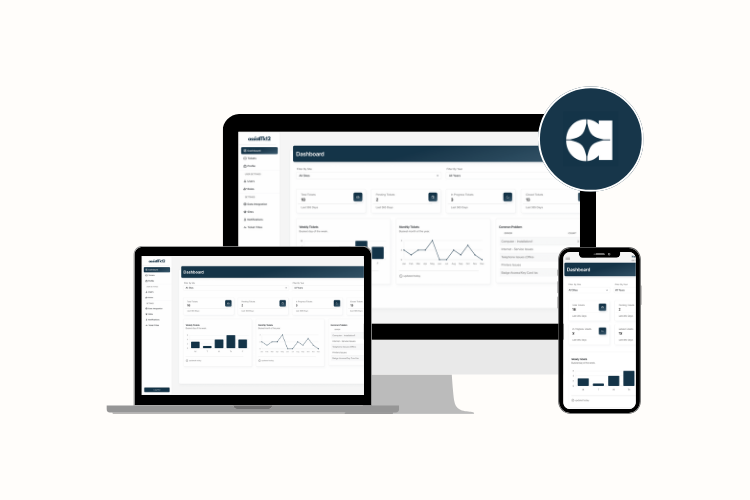
Why AssistItK12
Everything your IT team needs,
nothing they don’t.
K-12 Focused Design
Every feature is designed around K12 organization’s IT departments, An application that actually work in a district environment.
Web-Based Interface
Access from any device, anywhere. No software installation required for staff or technicians.
Unlimited Accounts
Add all schools, staff, and technicians on your platform without worrying about seat limits.
Why Choose Open-Source?
- Zero Licensing Costs – Save budget for devices, training, and infrastructure.
- Full Transparency – Review, audit, and improve the code as needed.
- Community Driven – Be part of a network of developers and IT professionals improving the platform together.
Who Is It For?
- School District Help Desk IT Departments
- Charter Schools & Educational Nonprofits
- Independent Schools Looking for Cost-Effective Solutions
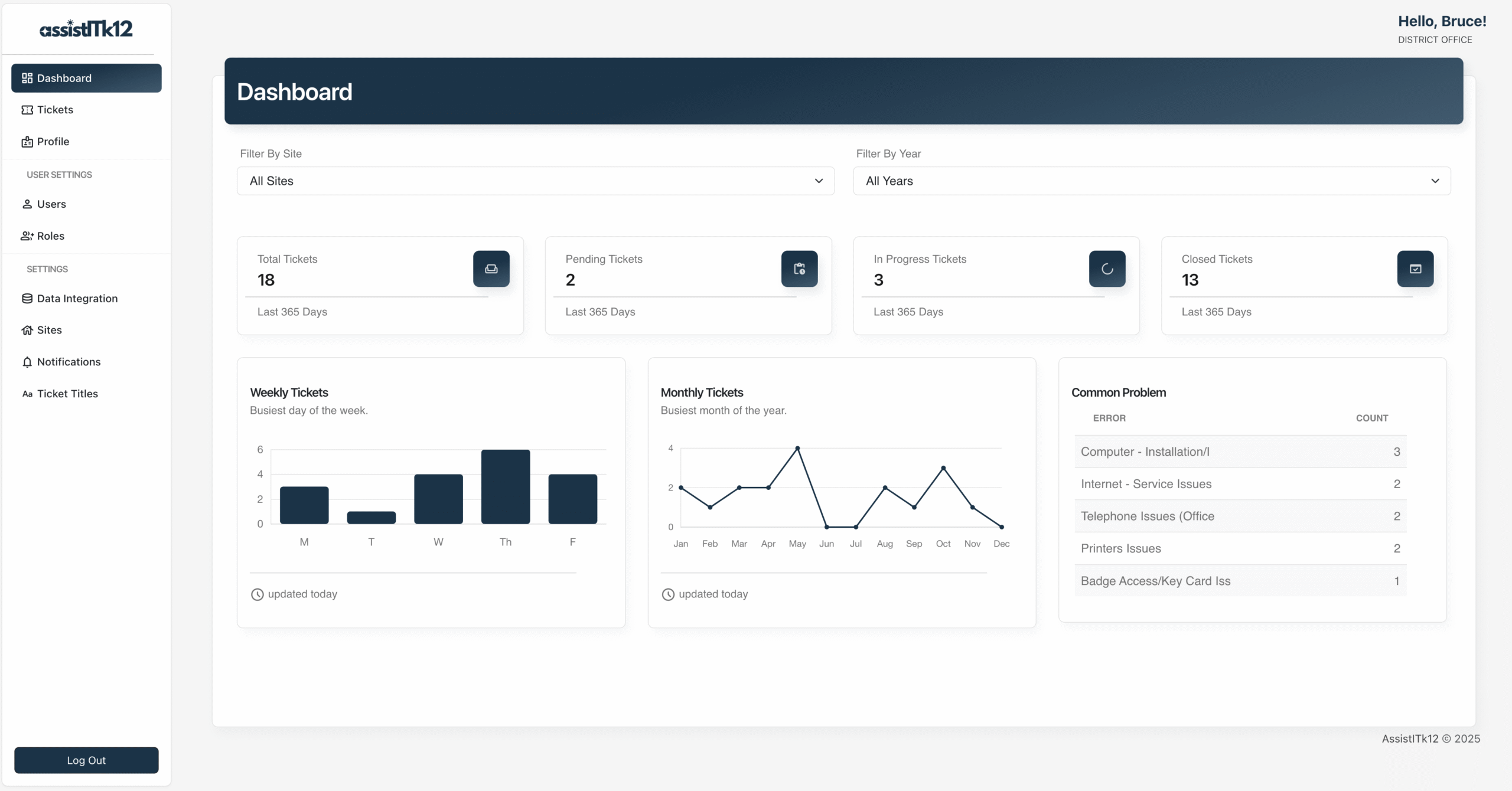
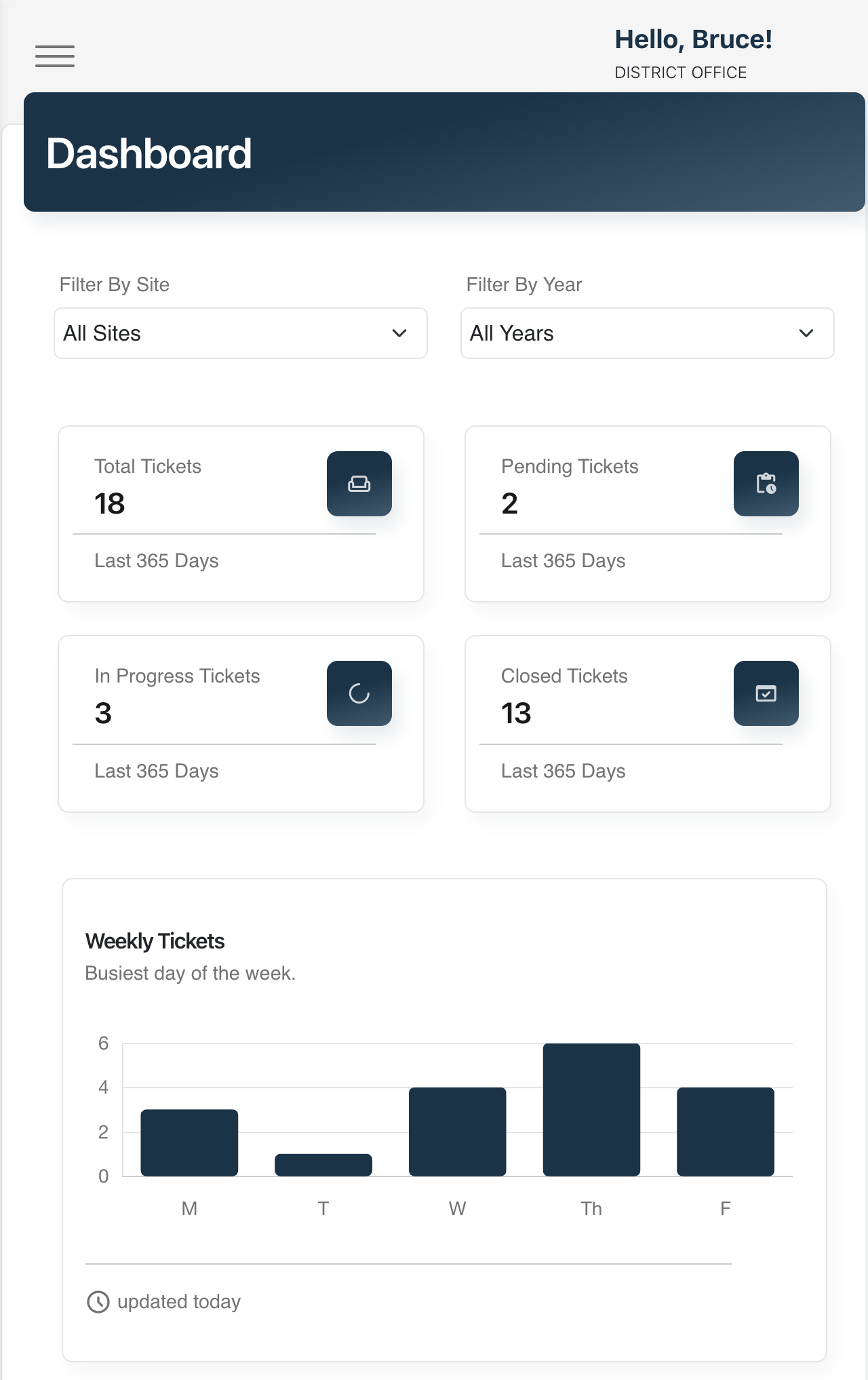
Insights Dashboards
Track ticket volume, technician performance, issue type breakdowns, and response times across every school in your district.
📈 Ticket Volume Trends – Visualize ticket activity over time to identify peak periods and recurring issues.
🧑🔧 Technician Performance – Monitor ticket resolution times, workload distribution, and individual technician metrics.
🗃️ Issue Type Breakdown – View top categories by frequency to inform training, budgeting, or tech upgrades.
🕒 Response & Resolution Time Reports – Track average response and resolution durations to meet service-level goals.
Ticket Management
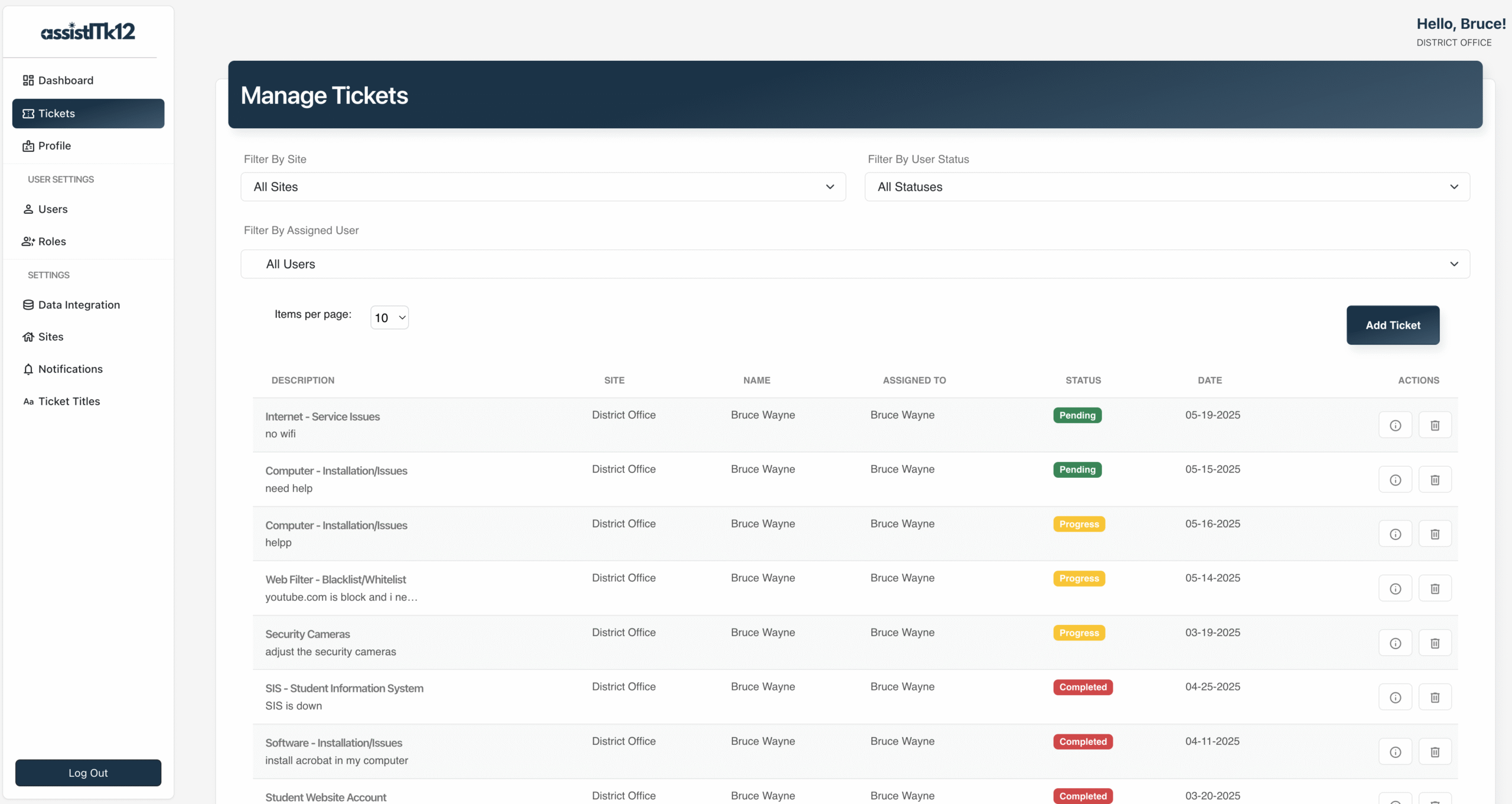
Easily submit, assign, track, and resolve support tickets from staff, teachers, or administrators — all from a centralized dashboard.
🗂️ Custom Categories – Organize tickets by issue type (e.g., hardware, software, network, classroom tech).
🔄 Status Tracking – Track progress from Pending to In Progress, and Completed.
📎 Attachments & Screenshots – Upload files or images to provide a clearer description of the issues.
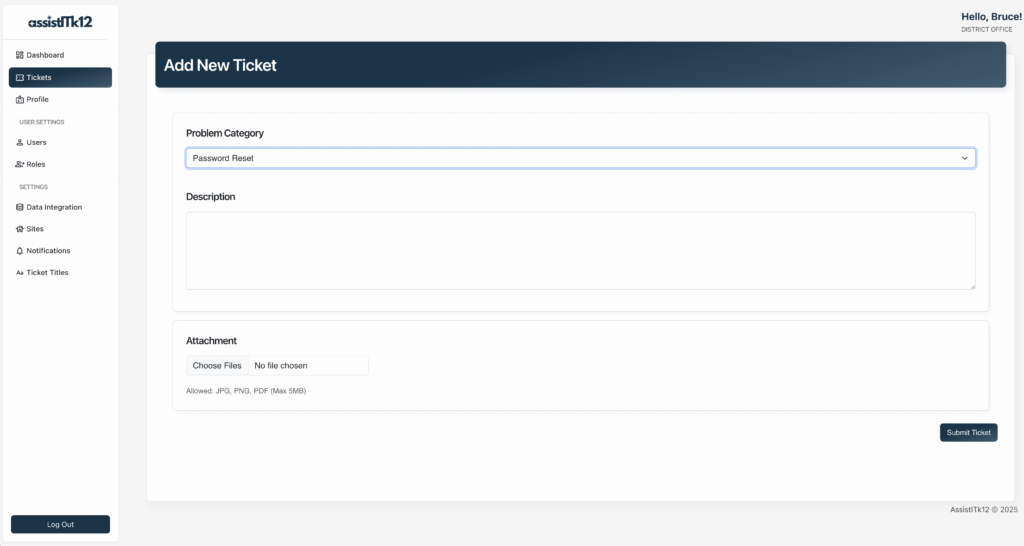
Easy Ticket Submission
Submitting a support request is quick, user-friendly, and accessible to all school staff — no tech expertise is required.
🖱️ Simple, Intuitive Form – Staff can submit a ticket in just a few clicks using a clean, guided form.
🏷️ Predefined Categories & Priorities – Users select from drop-down options to clearly describe the issue.
🖼️ File Upload Support – Attach screenshots, error messages, or documents to help technicians diagnose issues faster.
📱 Mobile-Friendly Interface – Submit tickets from desktops, laptops, tablets, or smartphones — anytime, anywhere.
Got questions?
Everything you need to know about getting started with AssistItK12.
Frequently Asked Questions
Is AssistITk12 really free?
Yes! It’s licensed under GPL-3.0 license and completely free to use and modify.
Do I need to be a developer to install it?
Basic technical knowledge is helpful, but we provide clear setup instructions and support documentation.
Can we host it internally?
Yes. Host it on your own servers or choose any preferred cloud provider. Whether you’re a small school or a large district, AssistITk12 gives you the flexibility to deploy it in the way that best fits your infrastructure.
Can someone manage or support AssistITk12 for us?
Yes! If your district doesn’t have the time or technical staff to manage the system internally, I provide an affordable, optional support and management services tailored for K-12 environments.